Privacy policy and sync for your app without a backend
The app is finished and the store form still wants a privacy policy URL, a support URL and a delete-account page, and your users want their data on a second phone. What the stores really ask for, three ways to cover it, an honest table, and how far our two small tools, AppBro and DBSync, take you before you need a real backend.
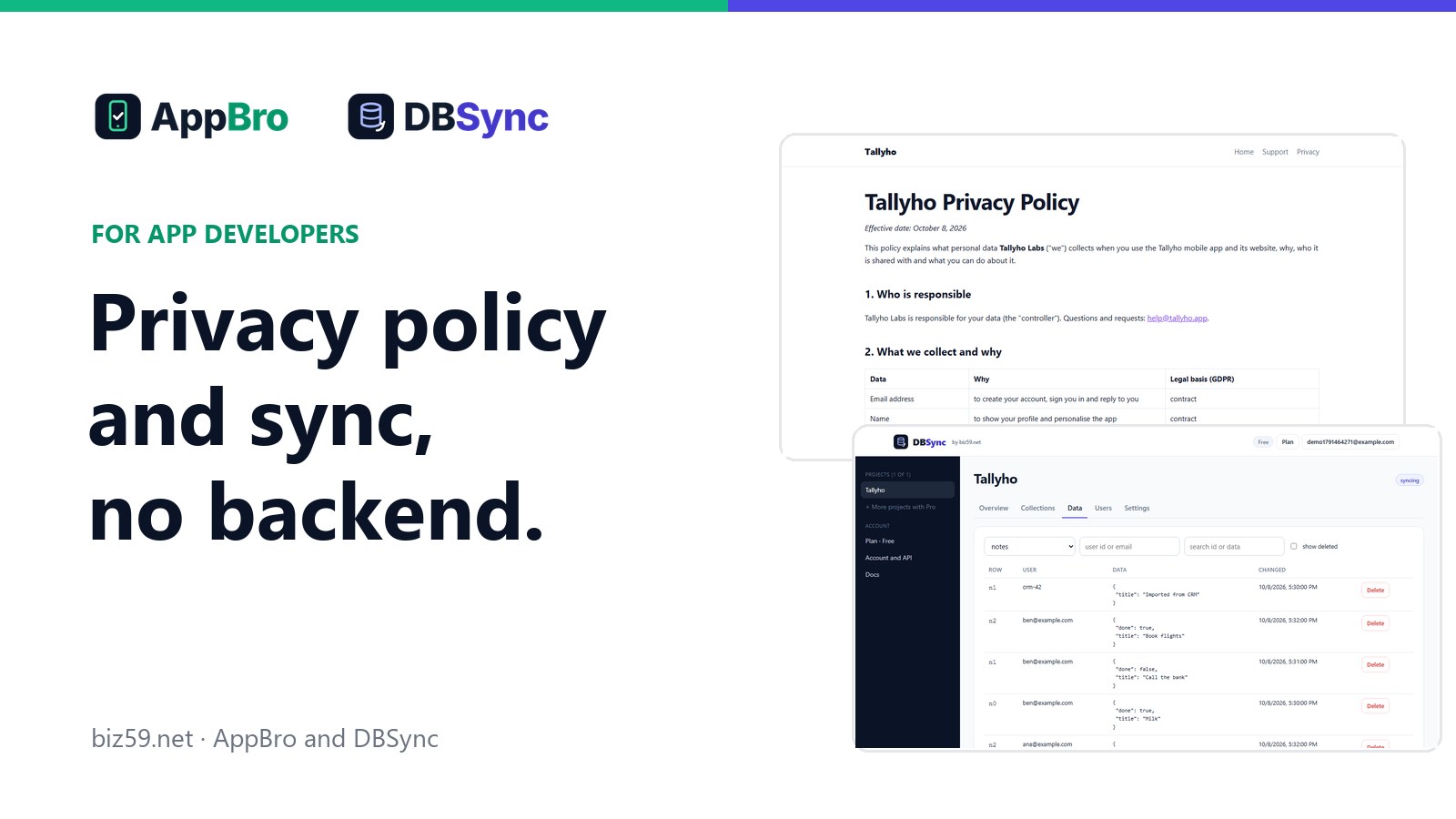
The app works. It runs on your phone, your friends have it through TestFlight, and you open App Store Connect to submit. Then the form starts asking for web addresses. Privacy Policy URL. Support URL. Play Console wants a link where people can ask for their account to be deleted. You built an app. Nobody mentioned a website.
A week after launch comes the second surprise, in a review: "Got a new phone and all my data is gone." Now you need sync, and sync needs a server, sign-in, and something sensible to do when two devices change the same thing.
Neither job is the reason you made the app. This is a guide to getting both done without running a backend of your own. We make two small tools for it, AppBro and DBSync, and we'll be clear about where they stop.
What the stores actually ask for
A privacy policy at a public address. Apple's review guidelines require a link to it in App Store Connect and inside the app. Google Play requires one in the Play Console and in the app as well. It has to say what you collect, why, and who gets it.
A support address. App Store Connect has a Support URL field, and it has to lead to a way of reaching you.
A way to delete an account. If people can create an account in your app, Apple requires that they can start deleting it from inside the app. Google Play also asks for a web link where someone can request deletion without reinstalling the app.
So before the first user: three or four small web pages on an address with HTTPS, kept online for as long as the app is in the store. And if you have accounts, something on a server that can really delete a person's data.
Three ways to cover it
Stitch it together. A policy generator for the text, a static site host for the pages, a form service for support, and a backend you write for sync. Each piece is easy. Together it's four accounts and a weekend, and the delete-account page still needs something behind it.
Use a general backend platform. Firebase, Supabase and others give you a database, sign-in and hosting. They're powerful and well documented, and if your app is going to need server logic and queries anyway, this is the right road. You still write the policy pages, the sync rules and the conflict handling yourself.
Use something narrow that does only these jobs. That's what we built, in two parts that work separately.
AppBro: the pages around your app
You fill in one form: the app's name, what it collects, where your users are, your support email. AppBro drafts a home page, a privacy policy, terms of use, a support page with a contact form and a delete-account page, and puts them online with HTTPS.
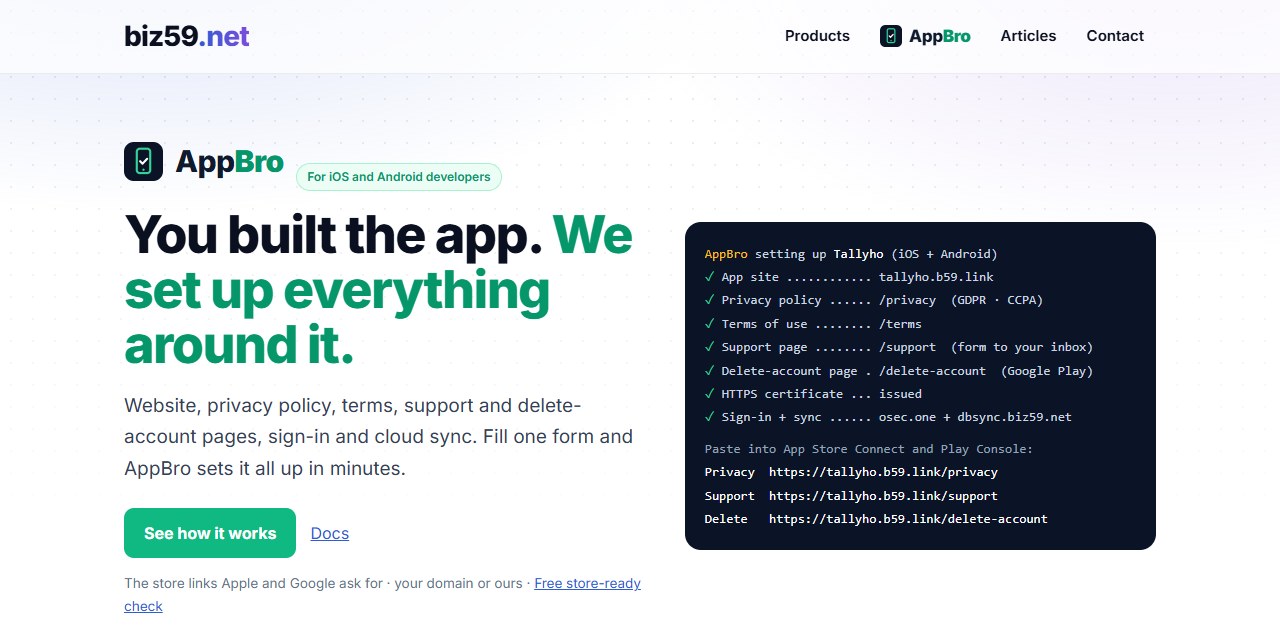
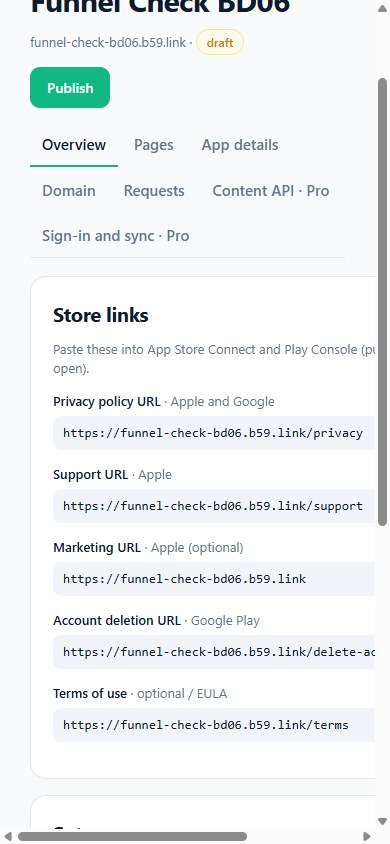
When the form is done, the console shows the links exactly as the stores name them, ready to copy. This is the result from our own test run on a phone on 10 October, start to finish in a few minutes:
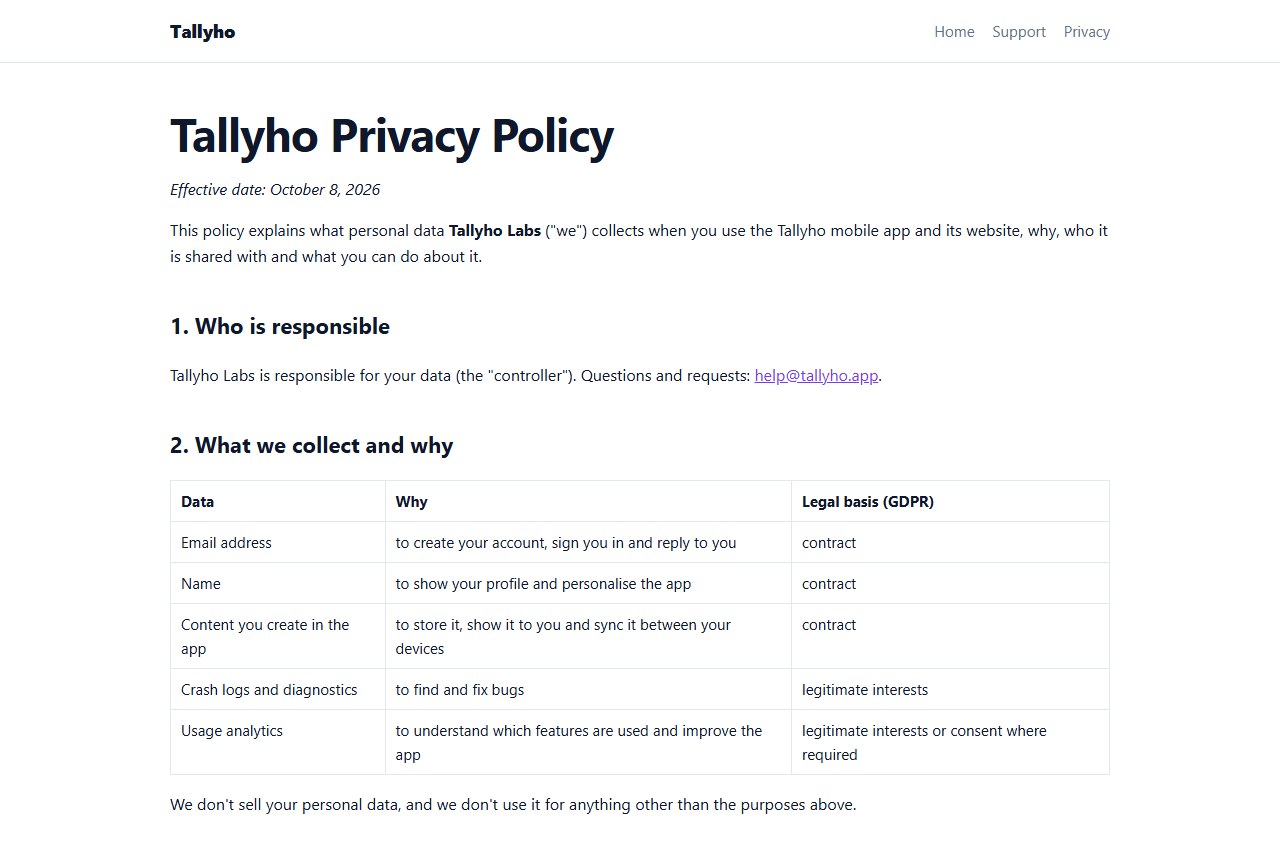
The policy isn't one fixed template. Sections switch on from your answers: the legal bases if you have users in the EU or UK, the California section if you have users there, a children's section if the app is for them.
The pages live at yourapp.b59.link, or on your own domain once you point an A record at us; the certificate is issued for you. Requests from the support and delete-account forms land in your inbox.
What it isn't. It isn't legal advice. The drafts are a sensible start for a small app, written to match what you told the form. You read them, fix what doesn't match your app, and stay responsible for them. If you handle health, payment or children's data at any scale, have a lawyer read the result.
One form, and the store links are ready to paste: home page, privacy policy, terms, support and delete-account pages on HTTPS.
See how AppBro worksDBSync: the same data on every device
DBSync is the second half, and it works on its own for any app. You create a project and name a few collections (notes, expenses). Your app then makes two kinds of call over plain HTTPS: push what changed on this device, pull what changed elsewhere. There's no SDK to install, so it's the same from Swift, Kotlin, Flutter, React Native or a web page.
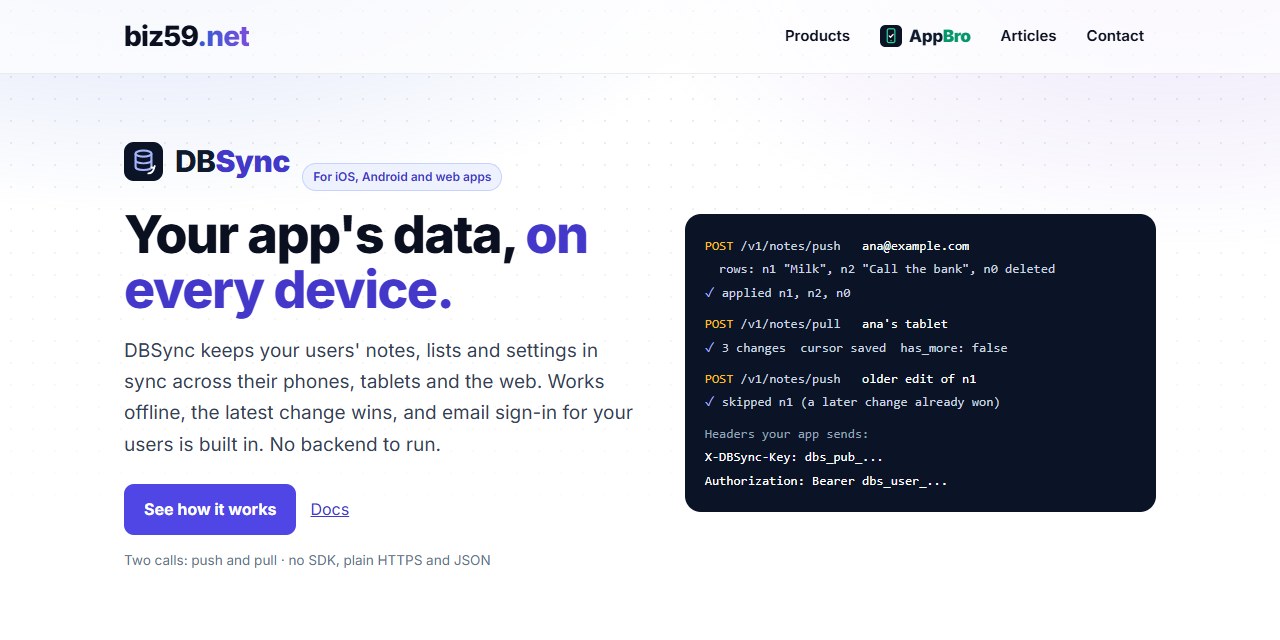
Sign-in is included: your app asks for an email, DBSync sends a six-digit code with your app's name on it, and your app gets a token for that user. Each user sees only their own rows. If you already have sign-in, switch that off and call DBSync from your server instead.
The rules are short enough to keep in your head. Every row carries lu, the time it changed on the device, and the later change wins. A deleted row stays deleted. Pulls follow a cursor kept by the server, so a phone with a wrong clock doesn't miss anything. Rows you encrypt on the device are stored as they are, unread.
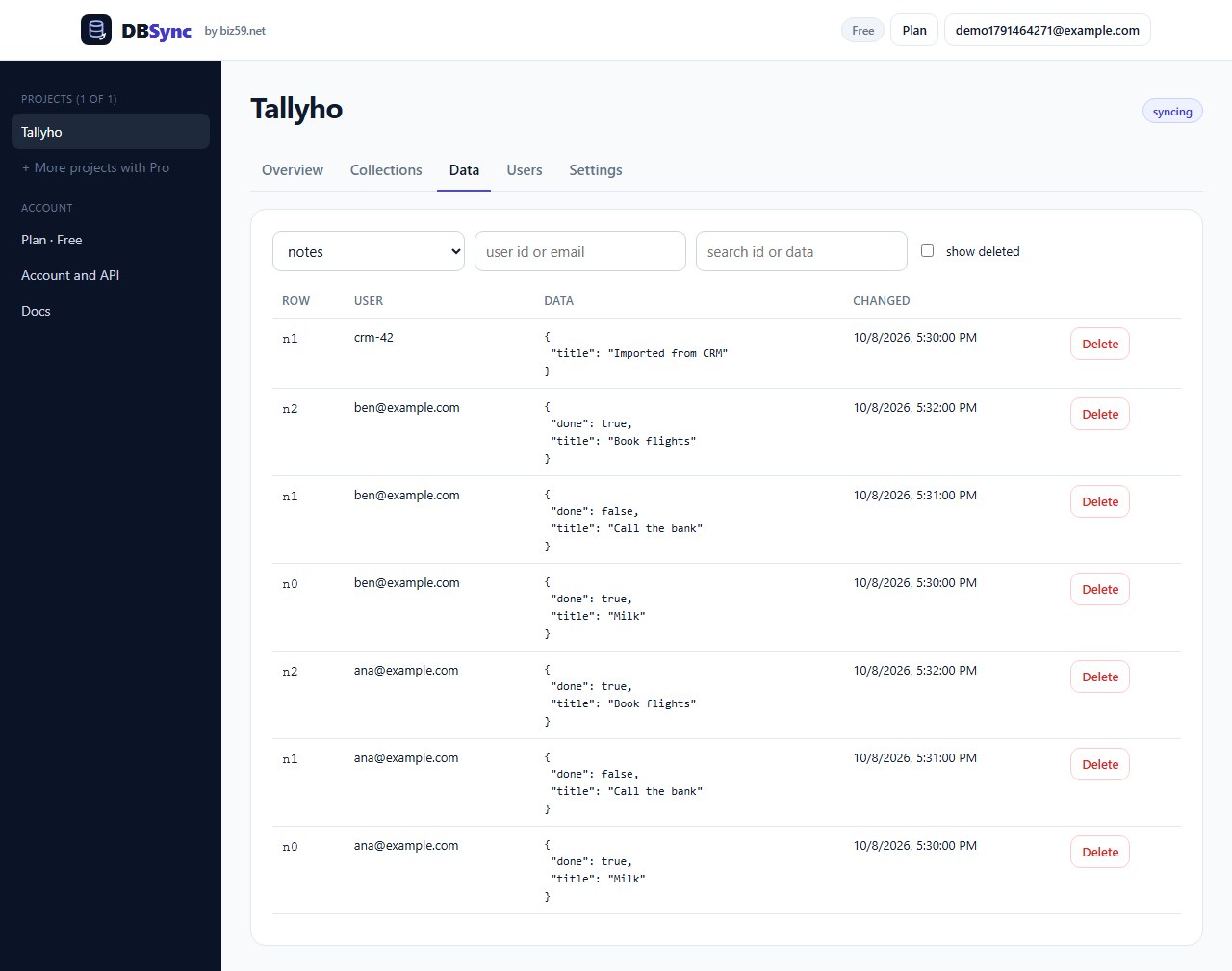
And the delete-account requirement from the top of this article is one call: POST /v1/account/delete removes everything that user synced and signs them out. Wire it to the button in your settings screen.
Two calls and a key: push what changed, pull what's new. Email sign-in for your users is built in.
See how DBSync worksSide by side
When you need a real backend
Be honest with yourself about which app you're building. DBSync keeps each person's own rows the same on their devices. It is not a database you can ask questions.
Users see each other's data. Feeds, chat, shared documents, leaderboards. DBSync has private rows per user and shared collections that only your server writes. Anything richer needs a backend with real access rules.
Two people edit the same thing at once. "Later change wins" is right for a to-do item and wrong for a shared document. Collaborative editing needs merging, and that's a different kind of tool.
You need the server to do work. Payments, push notifications, scheduled jobs, search across all users.
Rows are large or binary. A row is JSON up to 64 KB. Photos and files need storage built for them.
You need guarantees on paper. Uptime commitments, a data processing agreement reviewed by your customer's lawyers, a named region. We're a small company and these tools are weeks old. For a regulated product, pick a provider with the paperwork.
For a notes app, a habit tracker, an expense log, a recipe box or a game's save data, none of those apply, and you can ship this week.
A sensible order
Before you submit: get the pages up and paste the links into the store forms. Not sure what your listing is missing? The store-ready check walks through it in your browser.
Before you add accounts: decide whether your users' data is private to each of them. If yes, a narrow sync service will do. If no, start on a general platform now and save yourself a migration.
Whichever you choose: build the delete-account path on day one. It's the part reviewers check and the part that's miserable to bolt on later.
Both tools let you start without paying, and the plans are on the AppBro and DBSync pricing pages. Nothing renews by itself.
Sources
Apple, App Store Review Guidelines, section 5.1.1 (privacy policy link in App Store Connect and in the app; account deletion from within the app). Apple, Offering account deletion in your app. Google Play, User Data policy and account deletion requirements (privacy policy in the Play Console and in the app; a web link for deletion requests). Store rules change, so read the current text before you submit. AppBro and DBSync details are from their docs and DBSync docs on 11 October 2026; screenshots are of the live products with sample or test apps. This article was written by the people who make both tools (Biz59 LLC).