One markdown note, three ways out: a PDF, a link and a plain file
A proposal usually gets written three times: once as notes, once in a document for the client, once pasted into an email. md.biz59.net is a markdown editor that treats the note as the only copy and lets it leave as a typeset PDF, a read-only link or the plain file. What it does, with screenshots, and what it deliberately doesn't.
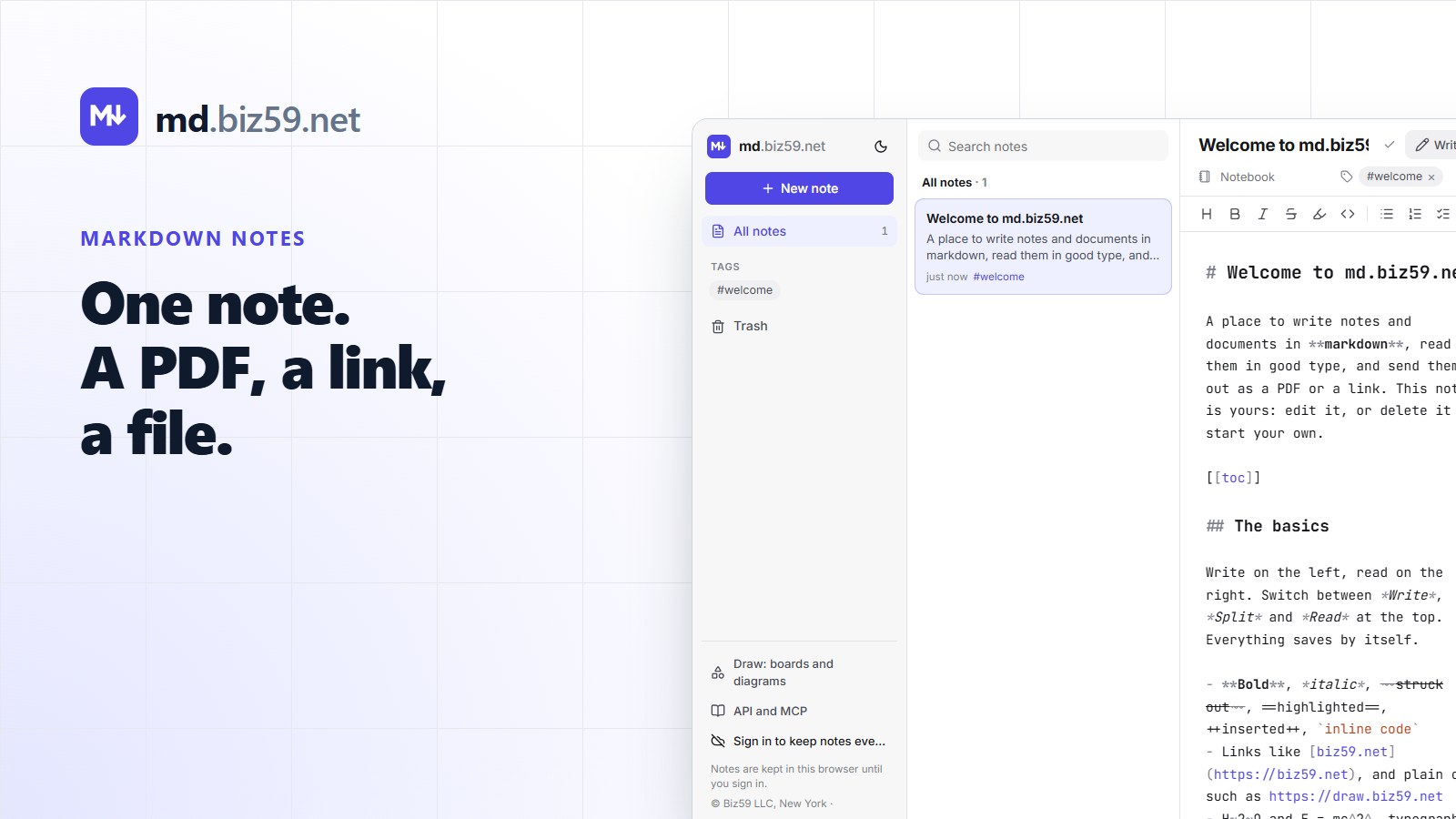
Count the copies of the last proposal you sent. There were the notes from the call. Then the document, in whatever the client's office uses, where an afternoon went on fonts and a table that kept jumping to the next page. Then the PDF. Then the summary pasted into the email, which is the version people actually read. Four copies, and by Friday they disagree.
Markdown was meant to end this. It's plain text with a few marks: a # for a heading, a dash for a list item. It will open in anything for the next fifty years. The catch has always been the last step. Markdown is pleasant to write and plain to look at, and you can't send a client a text file with asterisks in it.
So we built md.biz59.net: a place to write the note once, and three decent ways for it to leave.
Write on the left, read on the right
It opens with a welcome note you can type over. There's no account to make first. Three buttons at the top change the view: Write is the text alone, Read is the finished page alone, and Split puts them side by side, with a grip between the two that you drag to give either side more room.
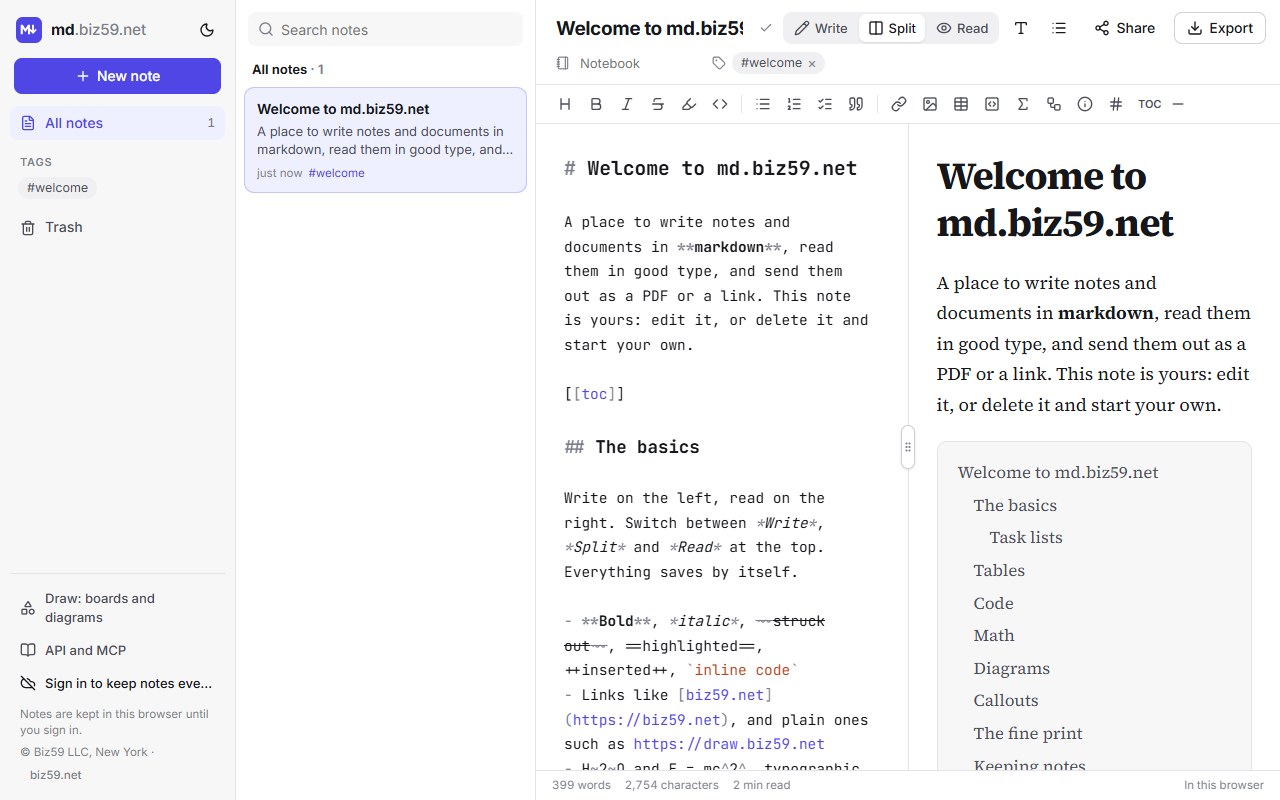
The right-hand side is the point. It's set in a proper book typeface (Source Serif, with three other styles to pick from), with sensible line lengths and spacing, so the page you're writing is already the page you'll send. Nobody chooses a font. Nobody nudges a margin.
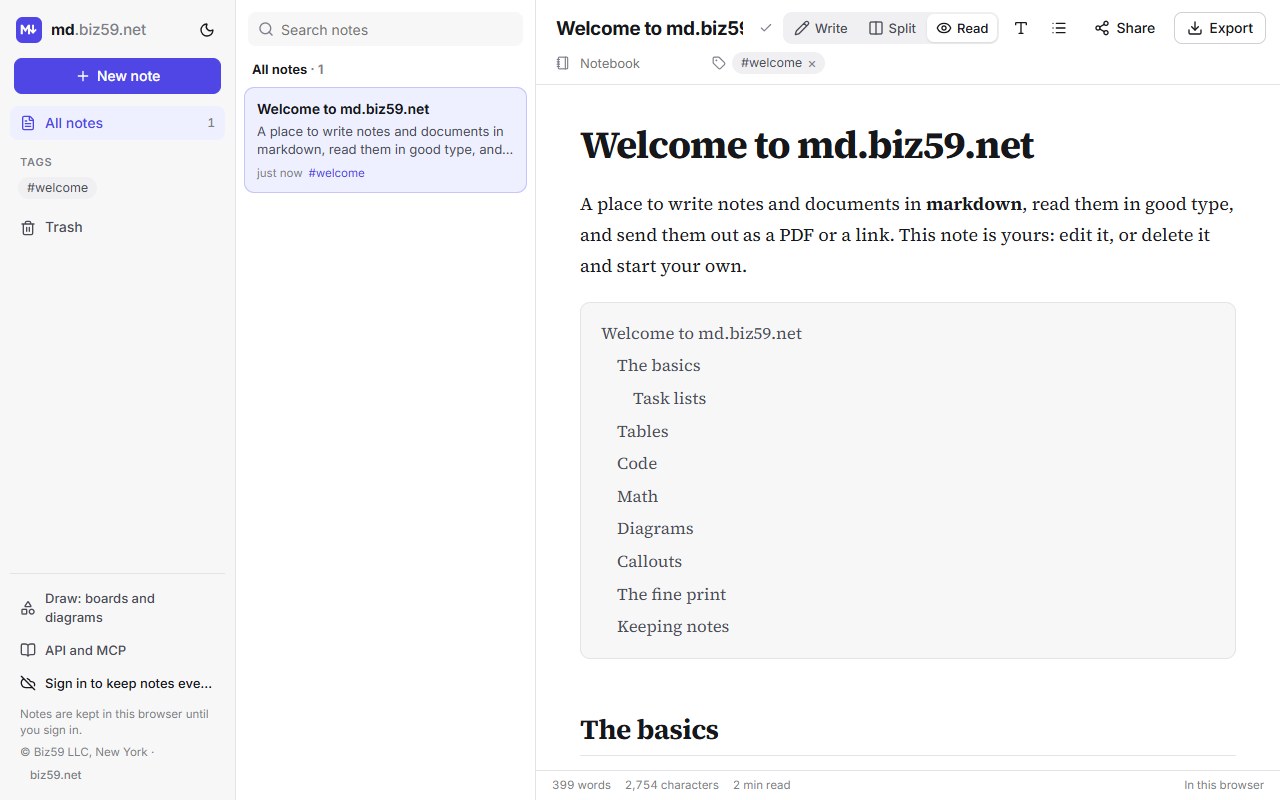
It handles more markdown than most people know exists: tables, task lists with tick boxes, footnotes, code with colouring, maths, callout boxes, a table of contents from one line, and diagrams written as text. Notes go into notebooks, take tags, and are searched from one box. There's a light and a dark theme, on the moon button next to the logo.
Out, way one: a PDF that looks typeset
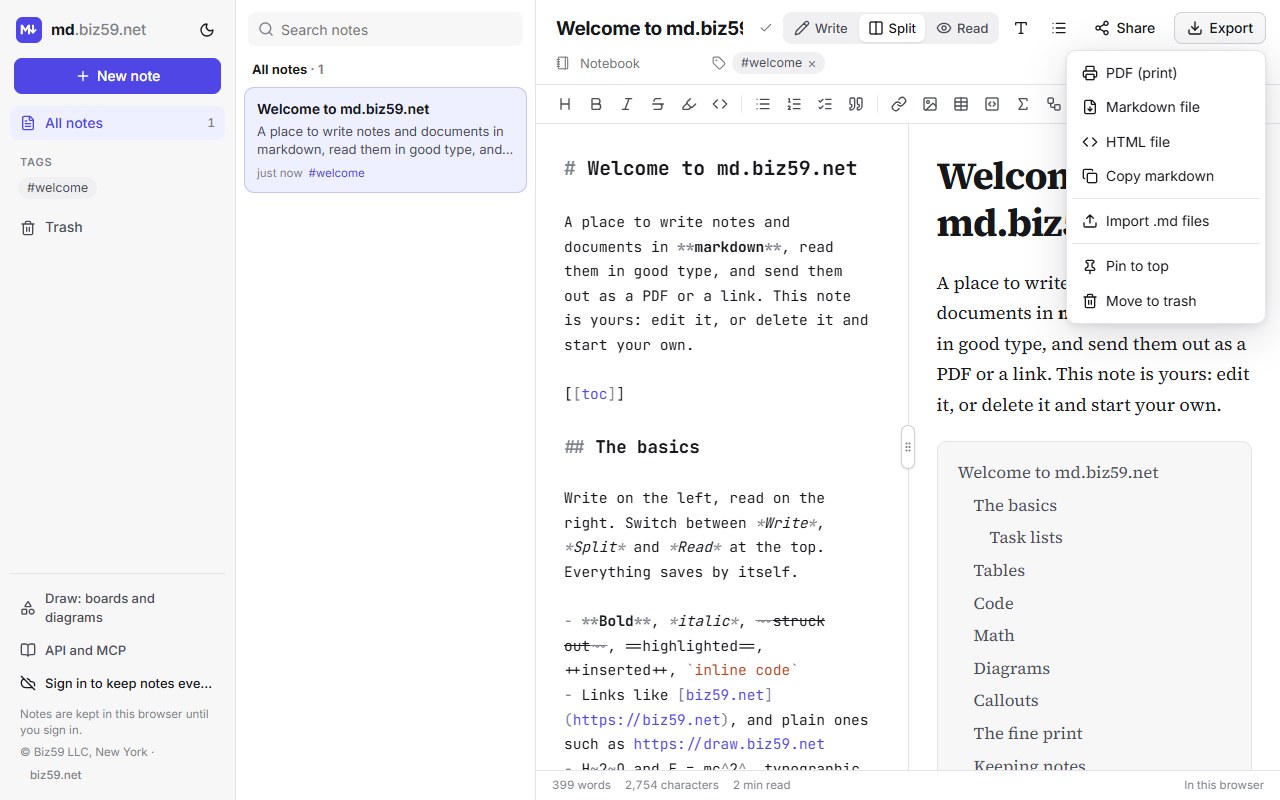
Export, PDF prints the reading page: the same typeface, page breaks that never leave a heading alone at the foot of a page, no browser clutter. This is the version for a client, a board pack or a printer. Because it comes from the note, there's no second document to keep in step.
Out, way two: a link
Share turns the note into a public, read-only page with its own address. Send the link instead of an attachment. When you fix a typo, the page is already fixed, and nobody is reading last Tuesday's version. Stop sharing and the address stops working.
Sharing needs an account, because the link has to belong to someone. That's an email address and a six-digit code, nothing else.
Out, way three: the plain file
Export, Markdown file gives you the .md exactly as you wrote it, and HTML file gives a single web page. This is the exit we care most about. Your notes aren't held in a format only we can read. Take the files to another editor, a git repository or a folder on your laptop, and they still work. Existing notes come in the same way, through Import .md files.
There's a fourth reader too, and it isn't a person. Scripts and AI agents can create, search and append to notes through an API and an MCP server, so a nightly job can write its report where you already read things, and an assistant can file meeting notes in the right notebook. The calls are in the docs.
What it deliberately doesn't do
No live co-editing. One person writes a note; others read the link. If a change arrives from another device while you're typing, you're asked which version to keep, and nothing is merged silently.
No comments or tracked changes. If your process is three lawyers redlining a contract, a word processor is still the right tool.
No free page layout. You get good defaults and four type styles, not a design program. A brochure belongs somewhere else.
Without an account, notes stay in this browser. Clear the browser's data and they're gone. Sign in, or export the files, for anything that matters.
A fair test
Take the next thing you have to send that's longer than an email and shorter than a book: a proposal, a how-to for a new colleague, the notes from a client call. Write it once in Split view. Send the PDF or the link. Then count the copies.
If you need a diagram in it, the same account works on draw.biz59.net, our whiteboard that draws the diagram from an outline.
It opens with a note you can type over. No account needed to try it.
Open md.biz59.netSources
John Gruber, Markdown (2004), the original description of the format. CommonMark, the specification most tools follow today. Source Serif, the open-source typeface used for documents by default. Screenshots were taken on the live site on 14 October 2026.