Set up your small business online in an afternoon
Five small jobs: a work email address, a Gmail you can use again, QR codes you print once, a privacy policy at a link, and the week's shifts on everyone's phone. Each one is a small tool we make and use ourselves. Do them in any order, or just the one you need today.
1email59
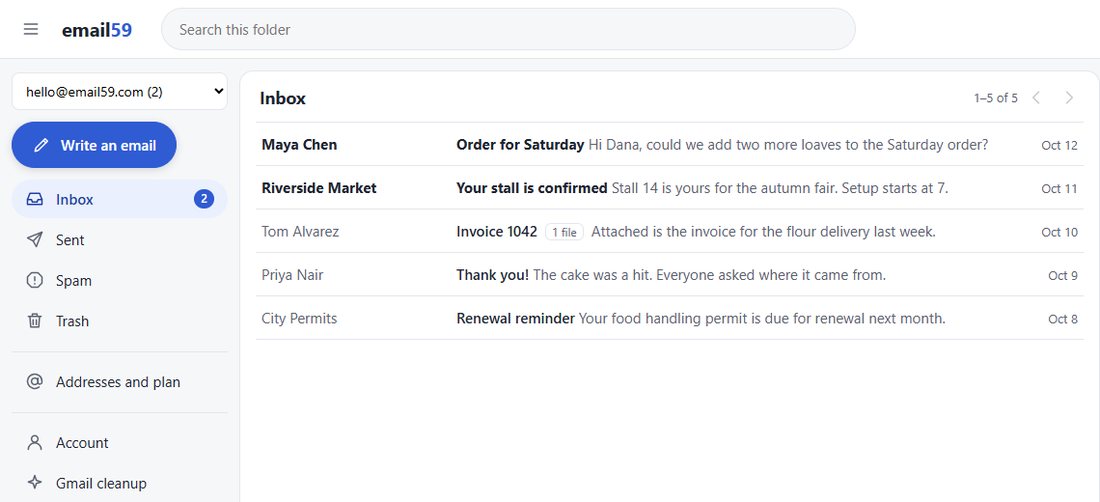
A work email address that isn't your personal one
Pick an address at email59.com, like orders-yourshop@ or your own name, and give that one to customers and suppliers. Orders stop getting lost between newsletters, and the mail opens in any browser.
- Read, answer and write from the same address
- Photos, invoices and PDFs open right on the page
- Works on a phone or the computer in the back office
2email59
Gmail full? Clear out the old notifications
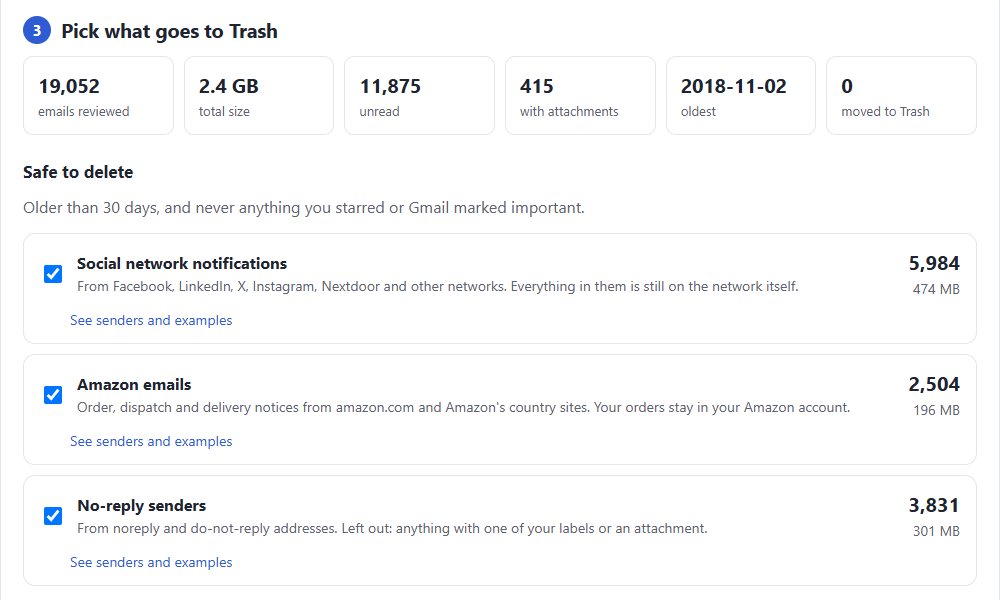
Most of a full Gmail is mail nobody opens again: social media alerts, delivery updates, no-reply messages. The cleanup counts them, shows you examples and moves only the groups you pick to Trash.
- It reads dates, senders and subjects, never the body of an email
- Starred mail is never moved
3b59.link
QR codes you print once
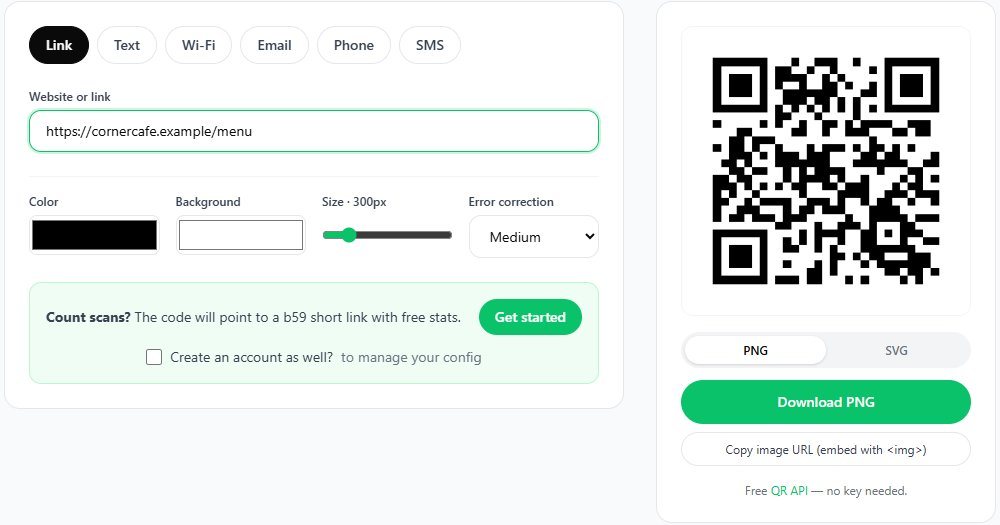
The menu, the price list, the guest Wi-Fi, your contact card. Each code points to a short link, so when the menu changes you change the page behind it, not the sticker on every table.
- The printed code keeps working when the page changes
- A ready Wi-Fi sign and a contact code for your card
4policies.biz59.net
A privacy policy at a link
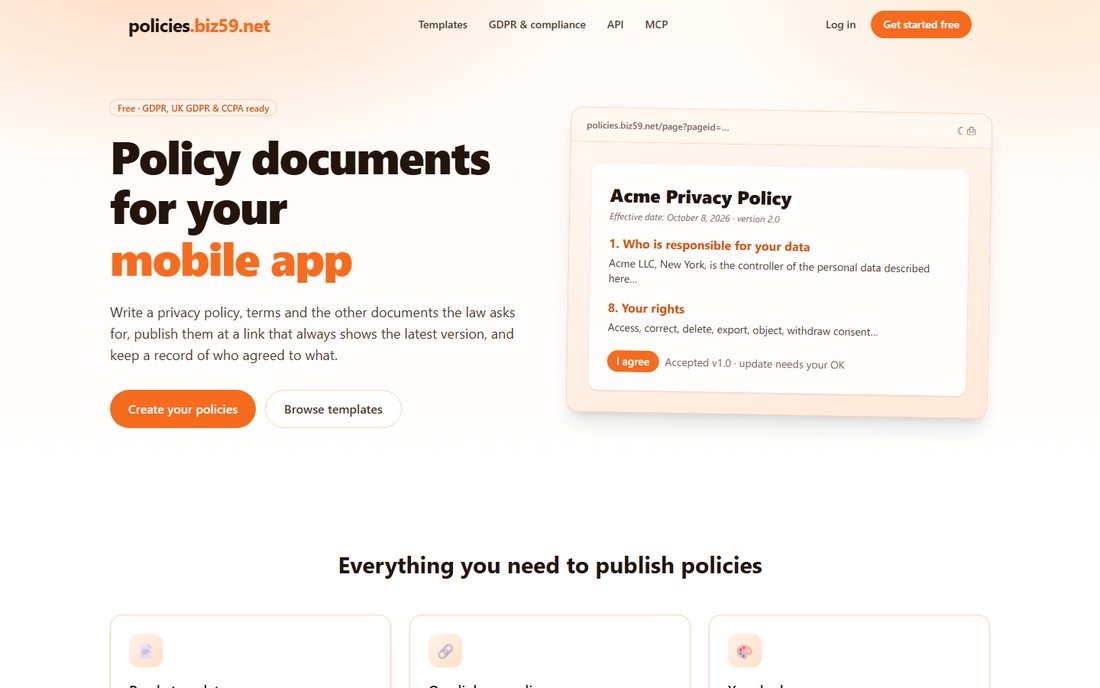
If your site has a contact form, a newsletter sign-up or a booking page, it should say what you do with people's details. Start from a template written for GDPR, UK GDPR and CCPA, fill in your business, and publish it at a link that always shows the latest version.
- Terms and other policies from the same templates
- Not legal advice: read it and change anything that doesn't fit
5TickTockDone
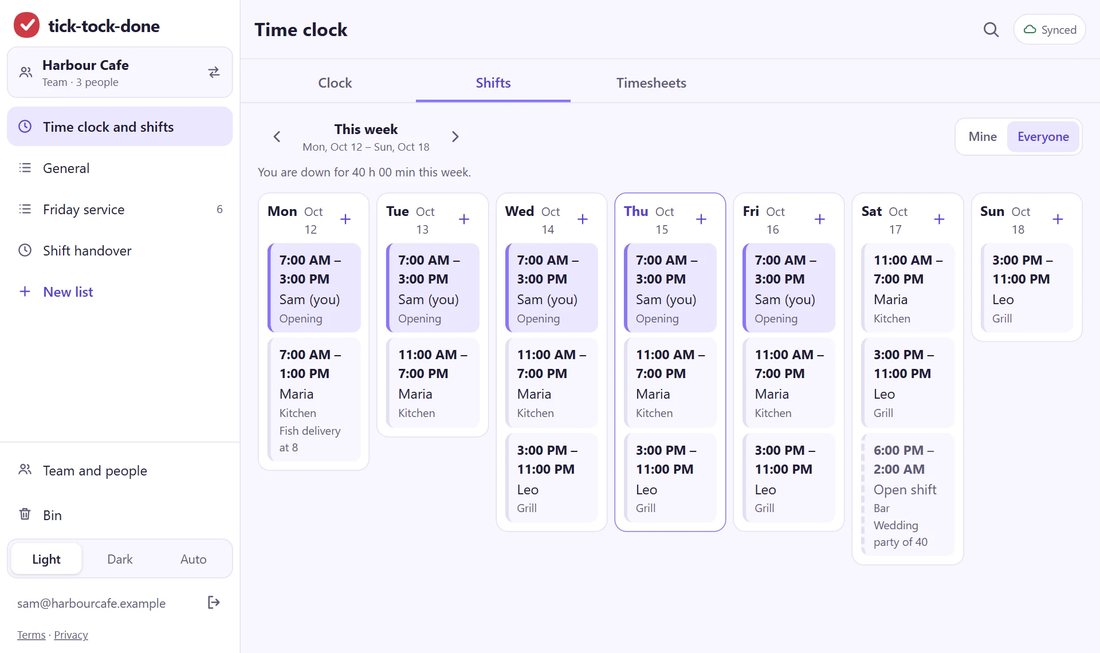
The week's shifts and the opening checklist on everyone's phone
Put up the rota, let the crew clock in from their phones and tick off the opening checklist. At the end of the week the hours are already added up for payroll.
- Shifts, clock-in and checklists in one app
- Made for restaurants, building sites and cleaning crews
On your own? The freelancer version
Skip the rota. Take a work address in your own name, put a contact QR code on your business card and your invoices, and add a privacy policy if your site has a contact form. Before you send an invoice to a new client, check their email address for typos and a domain that can't receive mail.
Building your first app or a site for a client? Six small tools for a first app, without a cloud console.