 biz59
Your app's data, on every device.
DBSync keeps your users' notes, lists and settings in sync across their phones, tablets and the web. Works offline, the latest change wins, and email sign-in for your users is built in. No backend to run.
Two calls: push and pull · no SDK, plain HTTPS and JSON
What you get
Small on purpose: the pieces every syncing app needs and nothing to configure.
Offline first
Your app saves locally and pushes when it's back online. The later change wins, deletes are final, and nothing gets lost to a bad device clock.
Sign-in built in
Your app asks for an email and DBSync sends the code, with your app's name. Or keep your own sign-in and call DBSync from your server.
Private and shared data
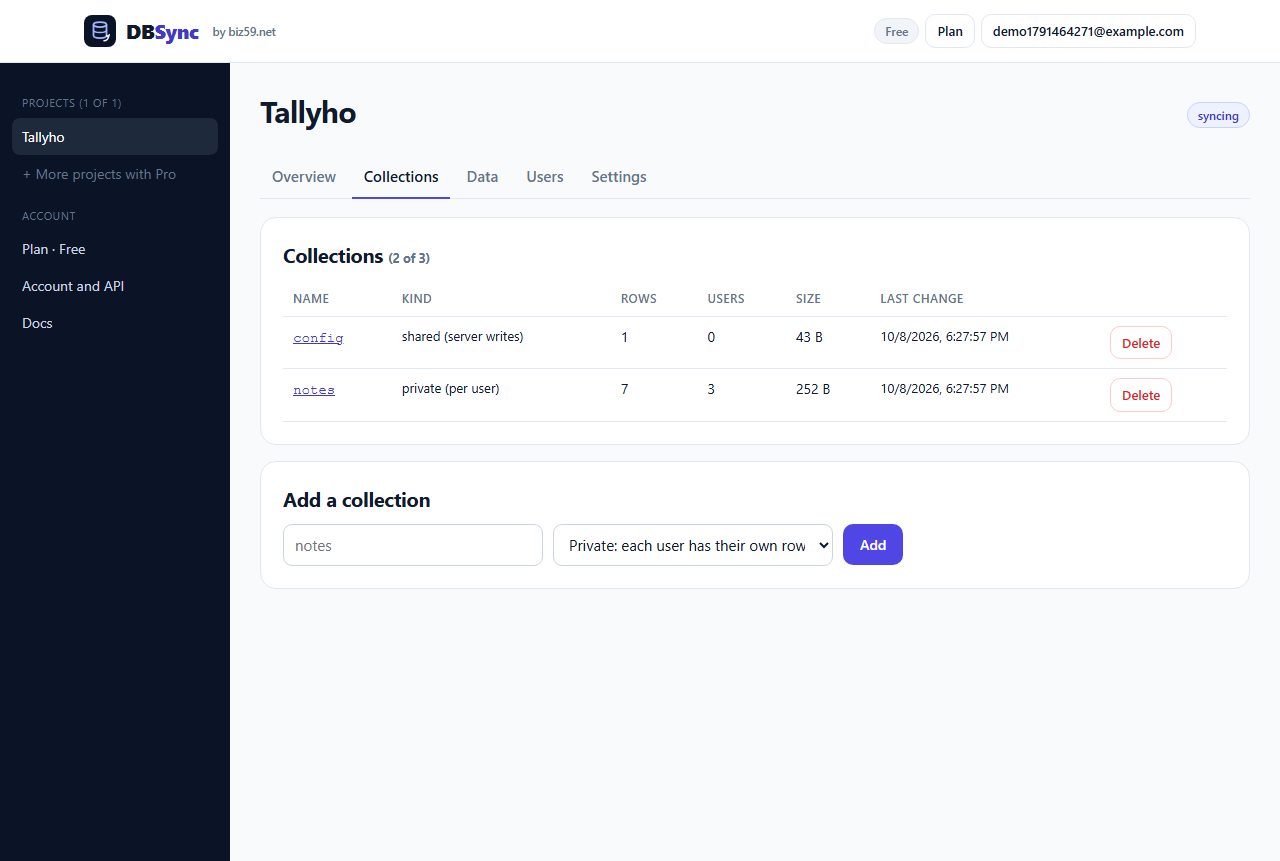
Private collections hold each user's own rows. Shared collections carry config or catalogs every user reads and only your server writes.
A console to see it all
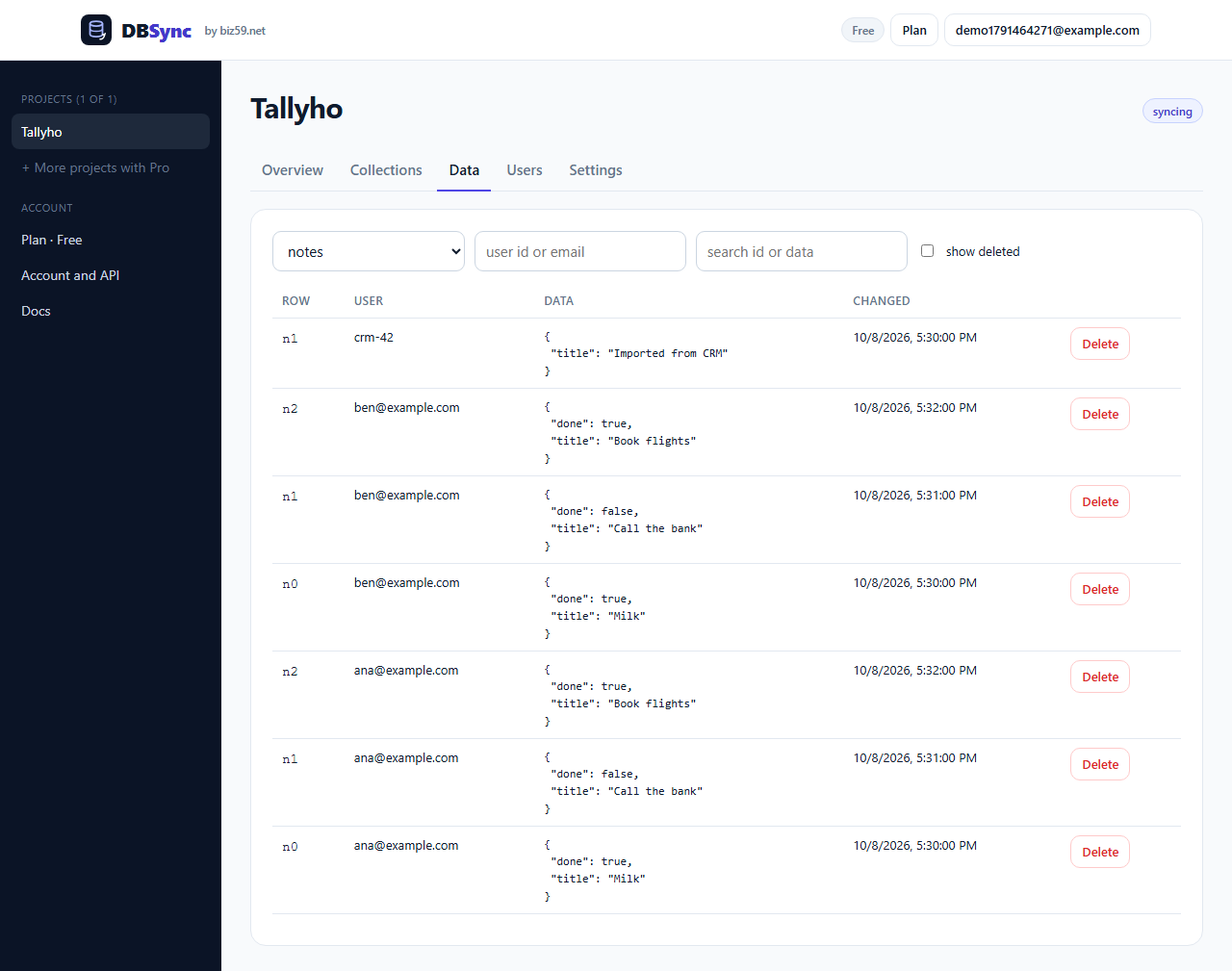
Browse rows, find a user, delete one row or one user's data, rotate keys, export everything as JSON.
What it looks like
Real screens from the DBSync console with a sample app.
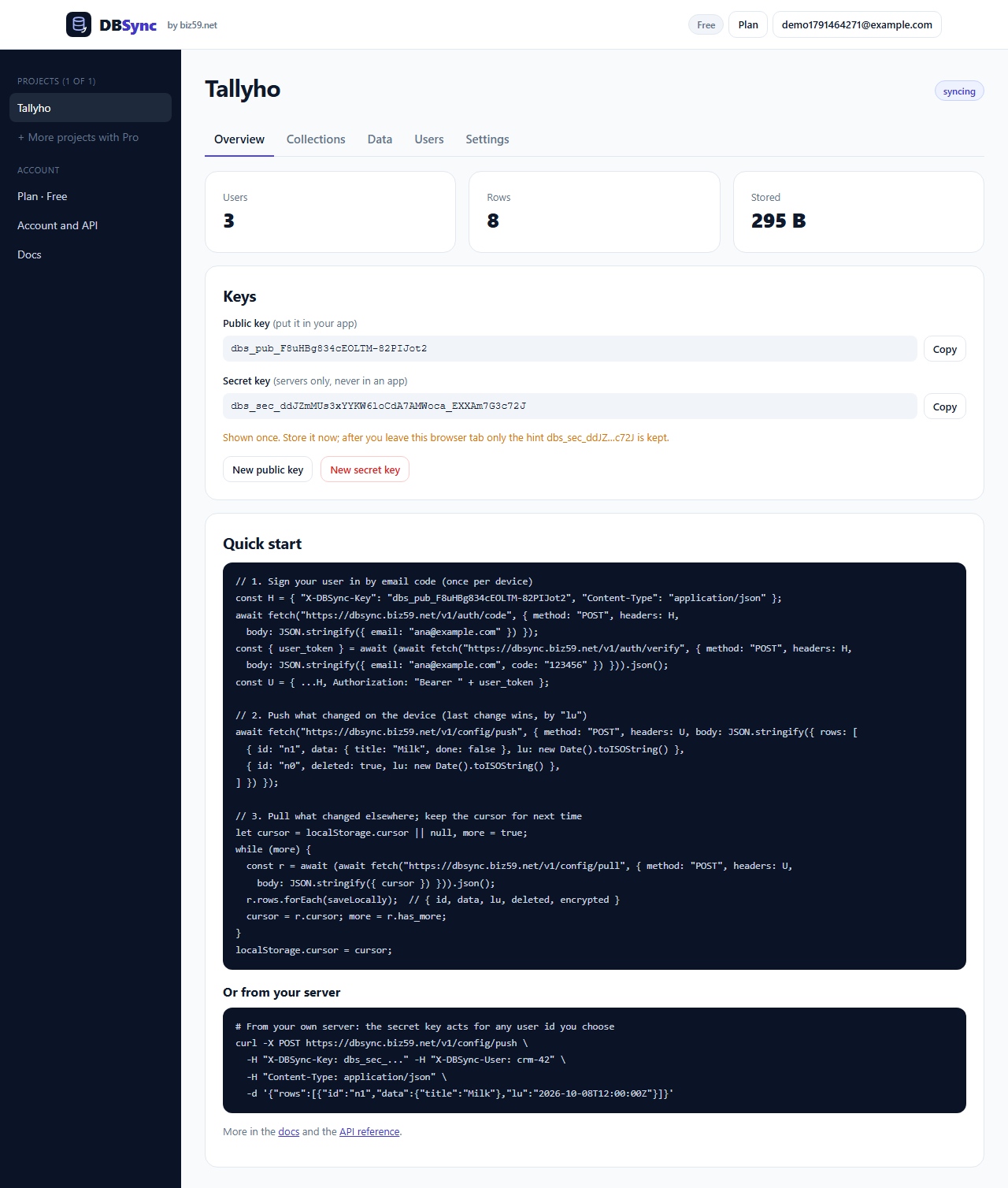
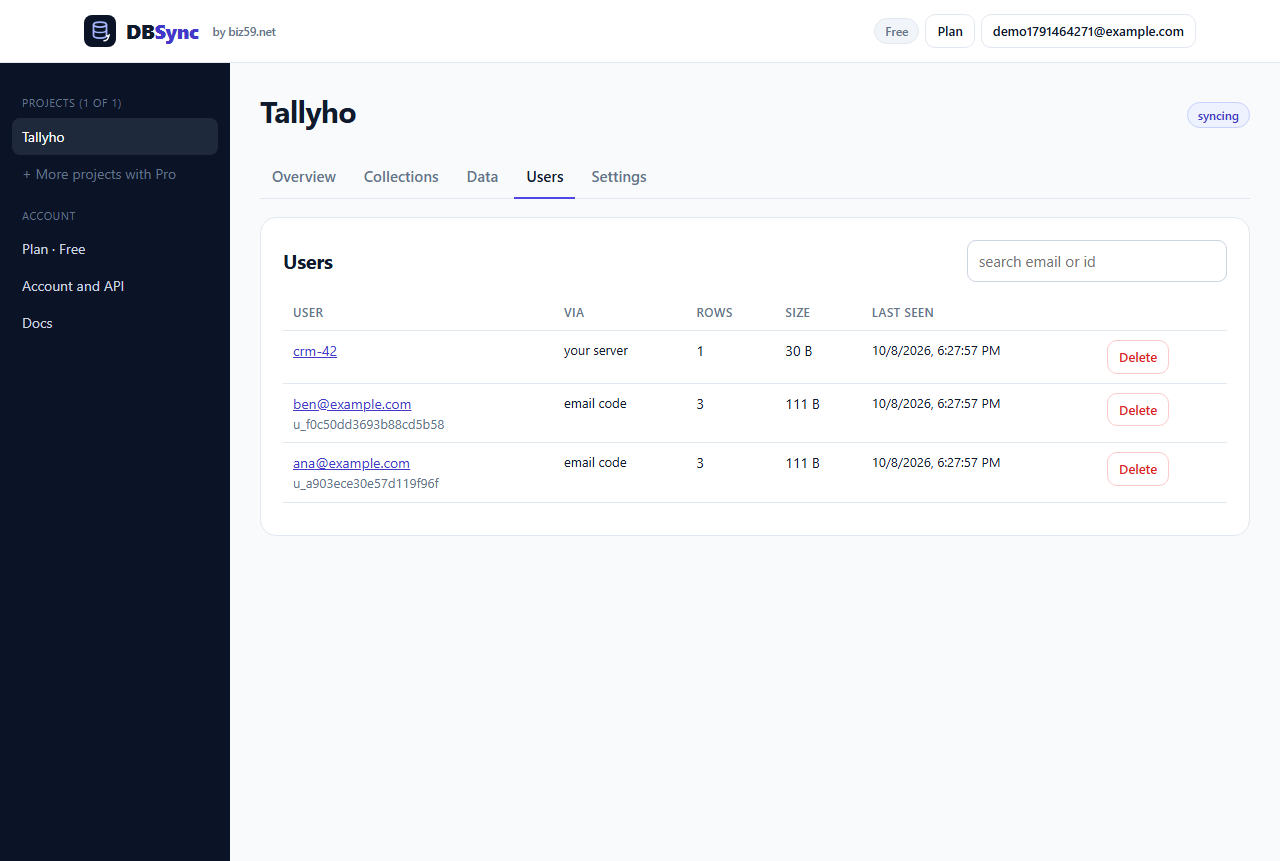
Two calls and a key
Create a project, add a collection, and your app is syncing the same afternoon.
Questions
- What is DBSync, exactly?
- A hosted backend for your app's data. Rows are JSON documents per user and collection, pushed and pulled over HTTPS with two calls. It works from Swift, Kotlin, Flutter, React Native or the browser: there's no SDK to install.
- How do conflicts work?
- Every row carries lu, the time it changed on the device. The server keeps the later one and tells you which rows it skipped. A deleted row stays deleted. Pulls follow a server cursor, so a device whose clock is wrong never misses a change.
- Can I encrypt the data?
- Yes. Encrypt on the device and mark the row encrypted: DBSync stores and syncs the blob without reading it. The console shows such rows as encrypted with their size only.
- What about Apple's and Google's account-deletion rules?
- Your app's delete-account button calls POST /v1/account/delete and everything that user synced is gone. Need the delete-account web page too? AppBro makes it for you.
- How is this different from AppBro?
- AppBro sets up everything around an app (website, policies, support and delete-account pages) and includes sync. DBSync is only the sync, with its own sign-in, more storage and a data browser, for developers who already have a site.
- Who runs DBSync?
- Biz59 LLC, a small software company in New York. DBSync runs on our own servers and database in the USA.
DBSync terms · DBSync privacy · Developer docs · Pricing plans · Need a website and policies for your app too? See AppBro.